-
Titles: Basic Editing
365 dan Versi 2026+Video, 4 menit -
Titles: Advanced Editing
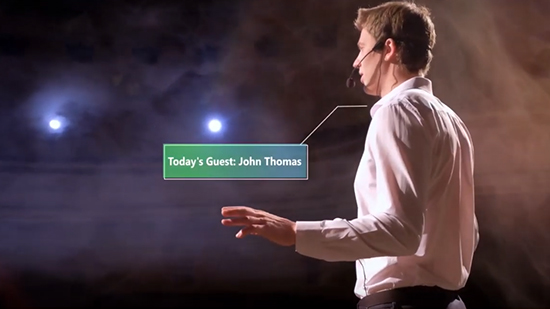
365 dan Versi 2025+Video, 5 menit -
Titles: Animation
365 dan Versi 2025+Video, 2 menit -
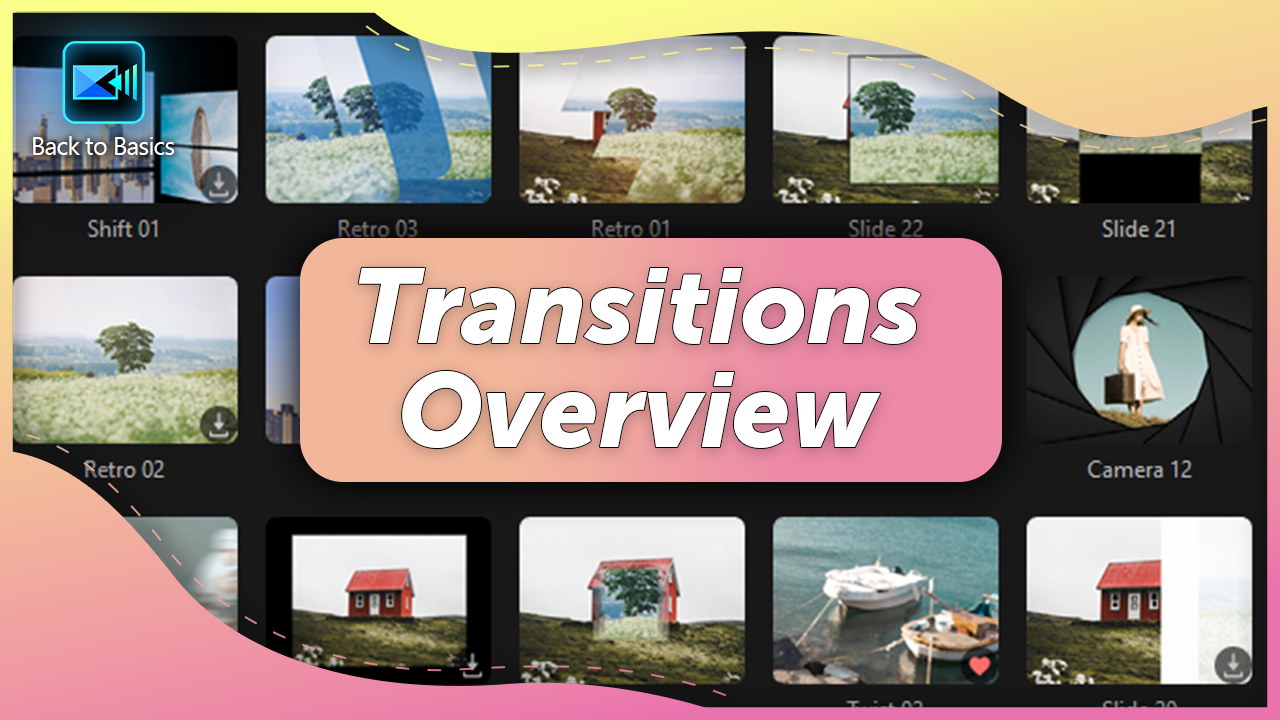
Transitions Overview
365 dan Versi 2025+Video, 5 menit -
Overlays: Stickers
365 dan Versi 2025+Video, 3 menit -
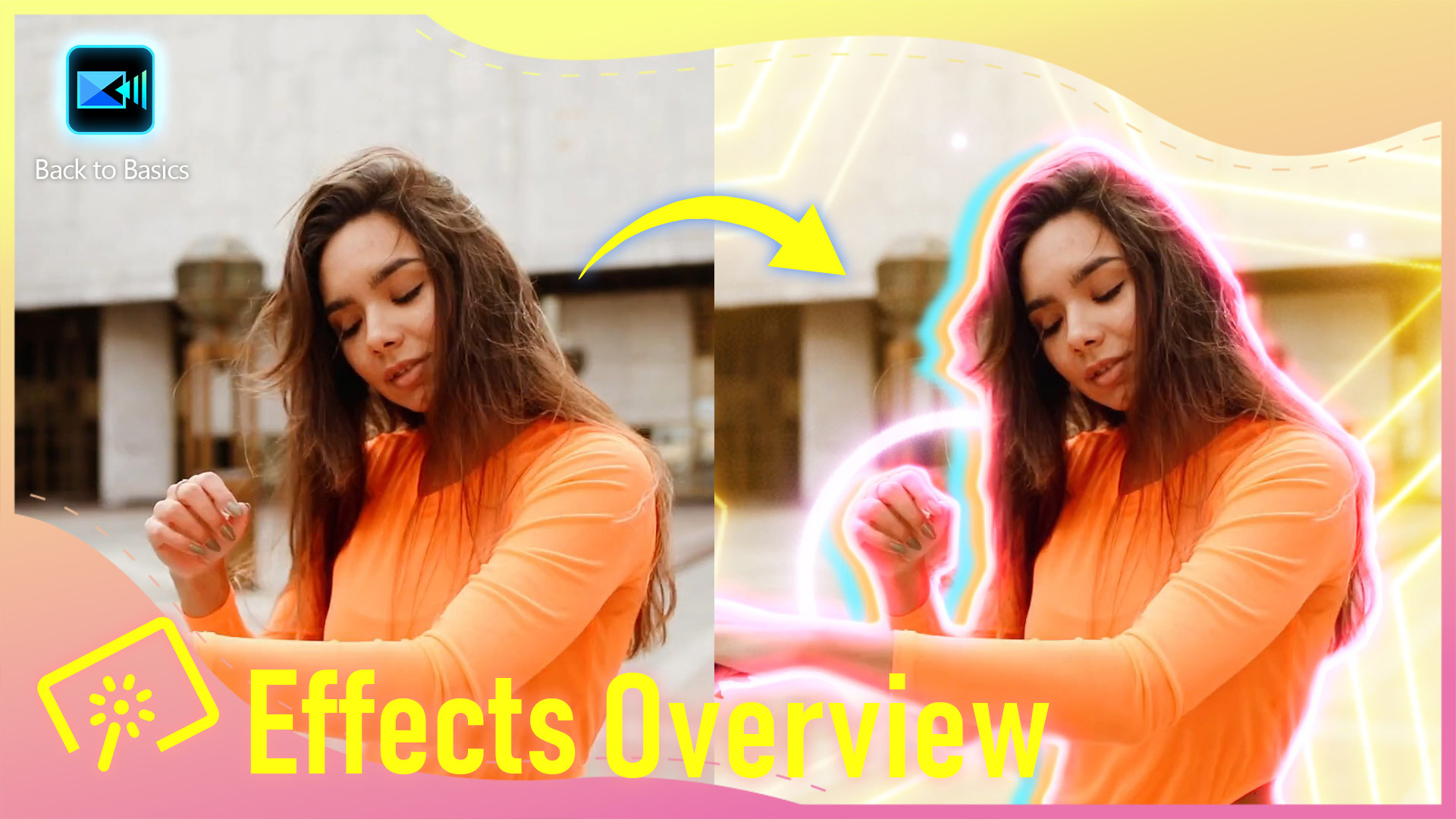
Effects Overview
365 dan Versi 2025+Video, 5 menit -

Subtitles Overview
365 dan Versi 2026+Video, 4 menit -
Templates Overview
365 dan Versi 2026+Video, 6 menit -

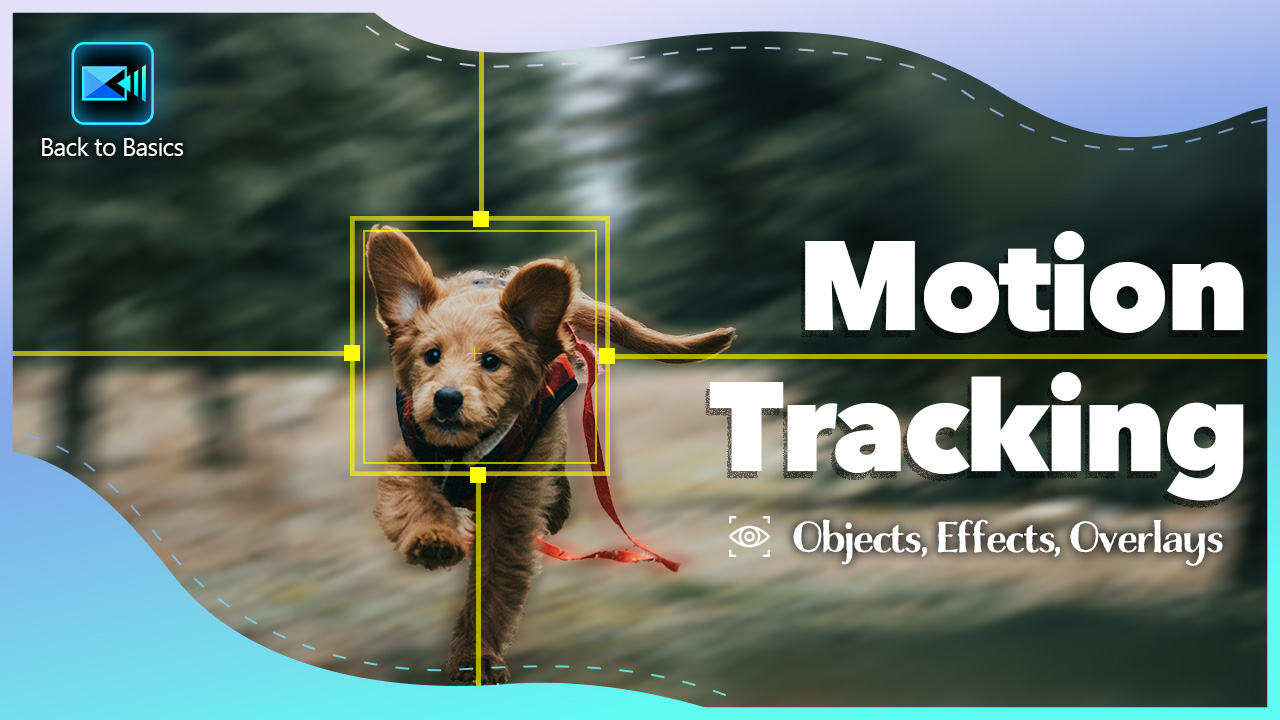
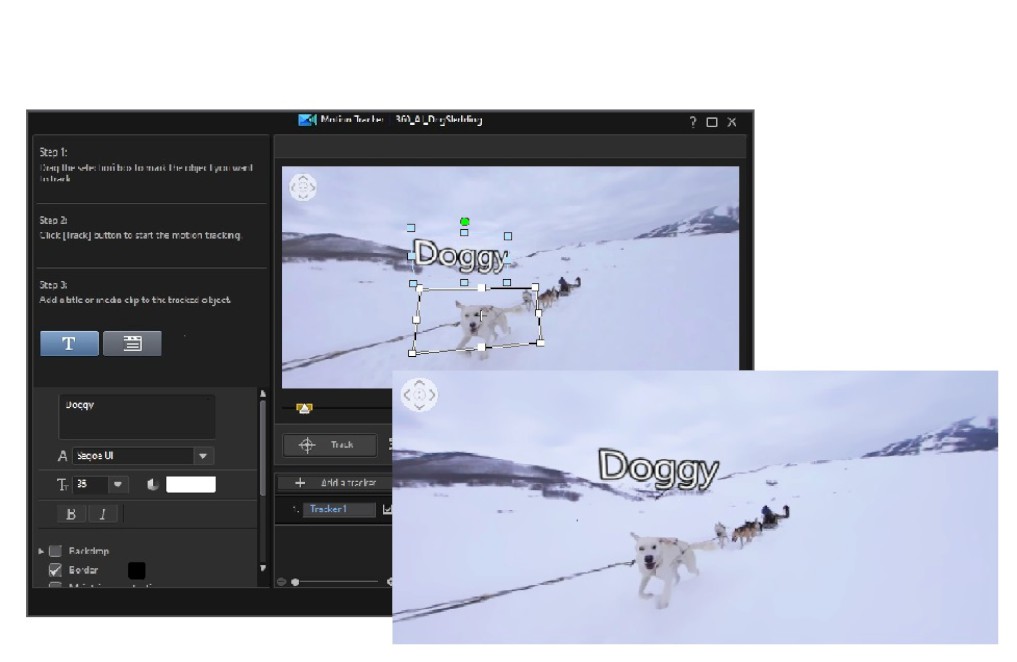
Motion Tracking
365 dan Versi 2025+Video, 3 menit -
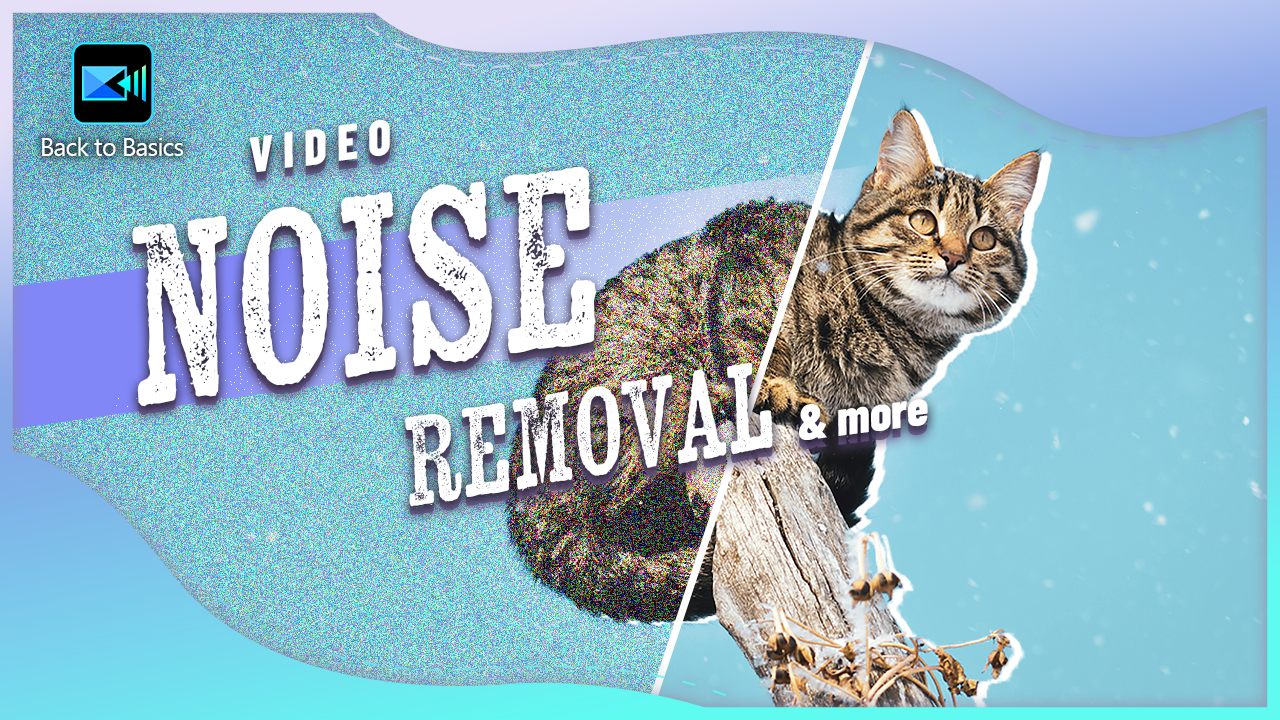
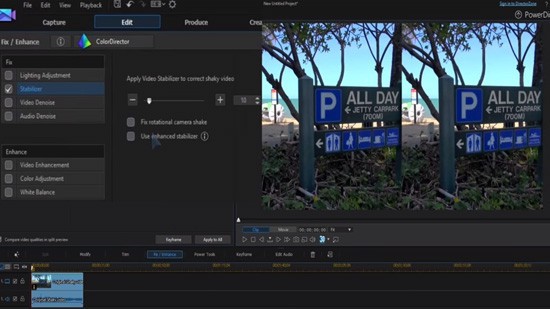
Video Stabilizer, Denoise, AI Video Enhancement & More
365 dan Versi 2026+Video, 5 menit -
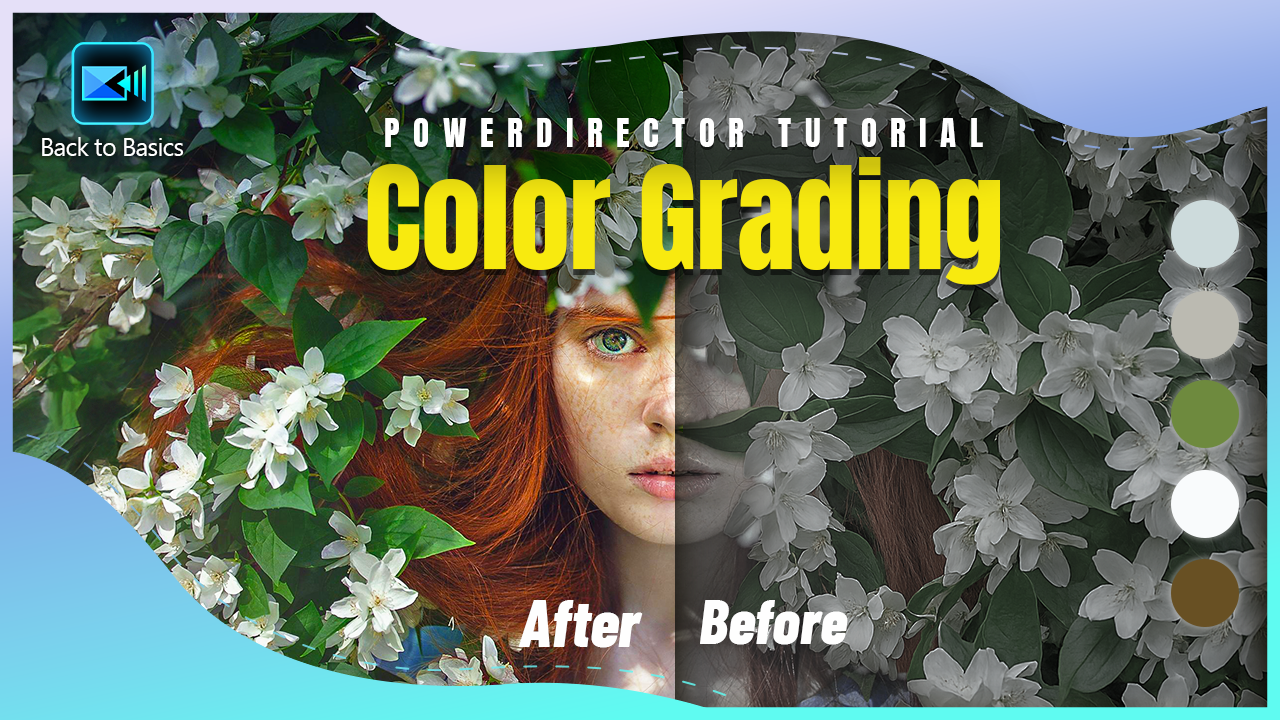
Color Adjustment
365 dan Versi 2026+Video, 6 menit -
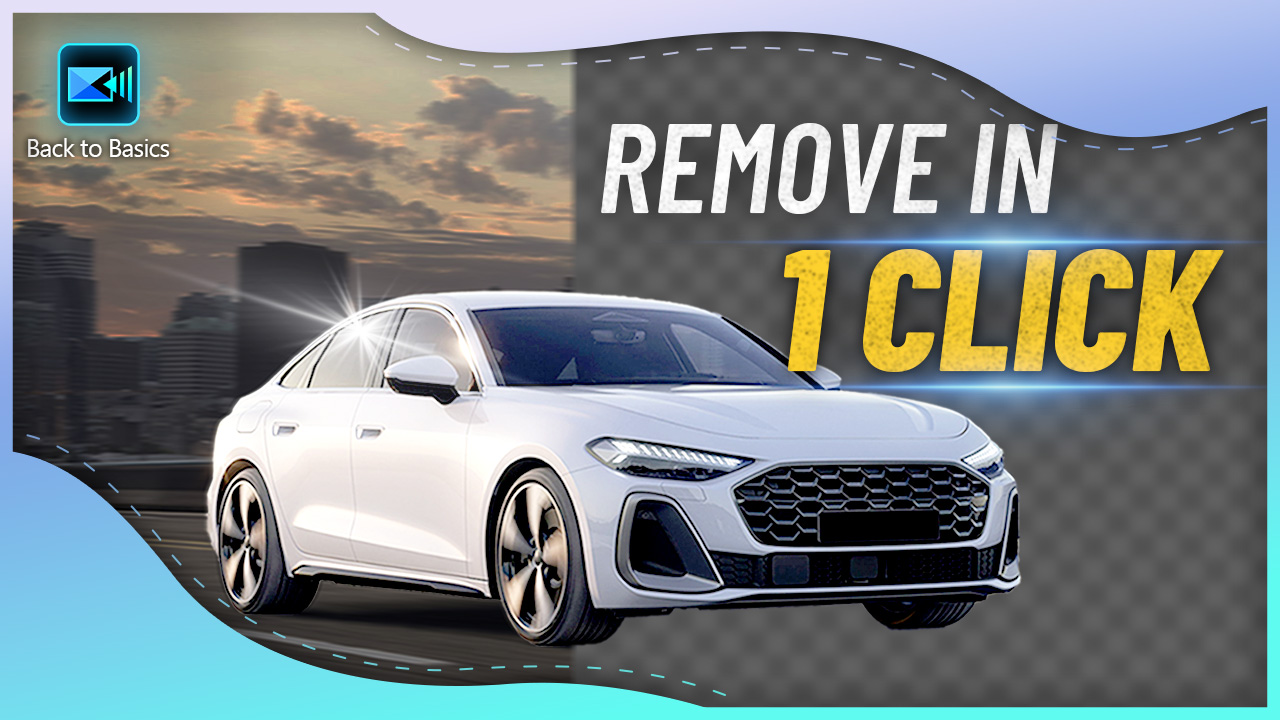
Chroma Key & AI Background Remover
365 dan Versi 2026+Video, 3 menit -
Linear, Parallel, Image, & Shape Masks
365 dan Versi 2026+Video, 3 menit -
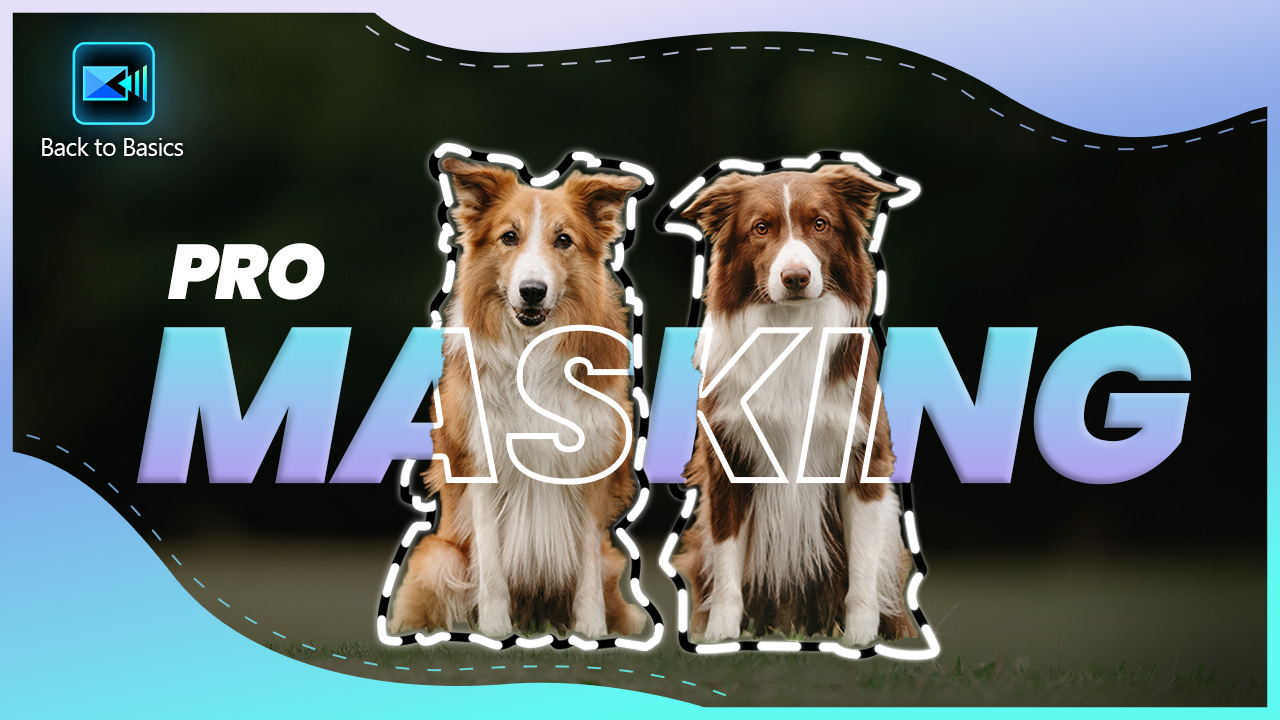
Brush, Polygon, & Text Masks
365 dan Versi 2026+Video, 4 menit -
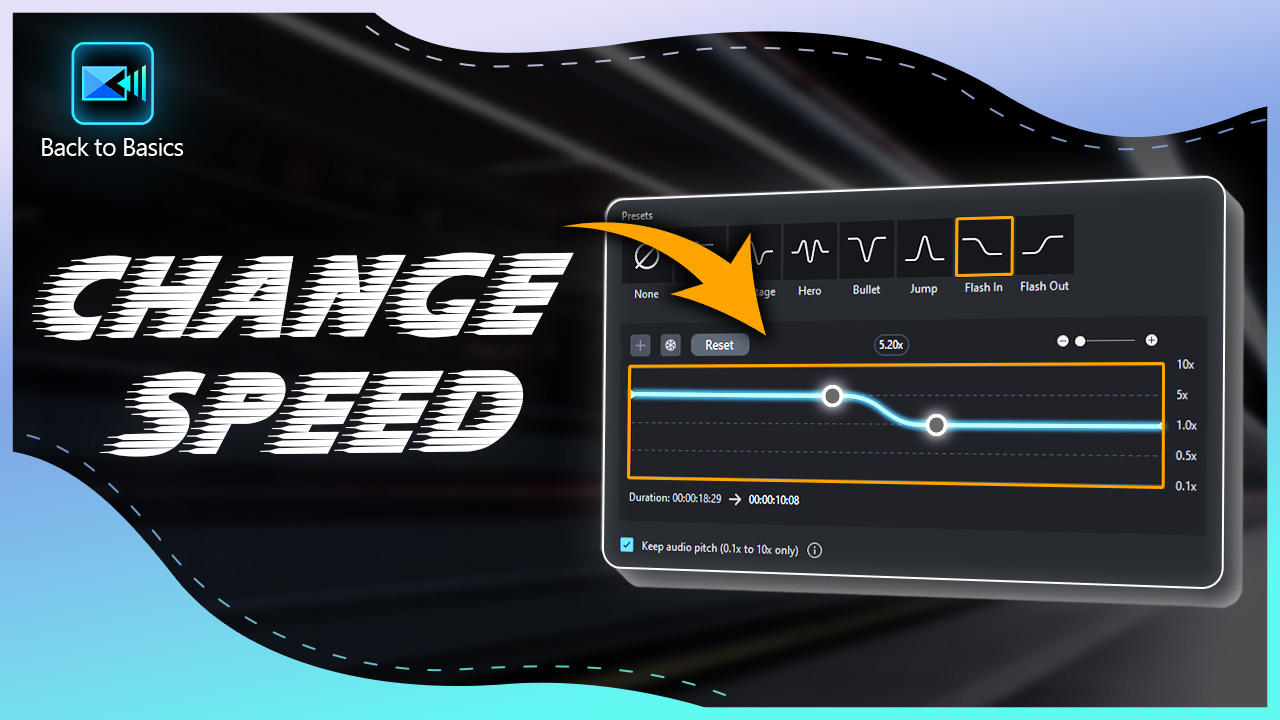
Speed Up, Slow Down, Reverse, & Freeze Video
365 dan Versi 2026+Video, 4 menit -
What are LUTS and how to get the Best LUTs for YouTube, Free!
365 dan Versi 18+Artikel, 11 menit -
Create a Freeze Frame in 3-Easy Steps
365 dan Versi 18+Artikel, 3 menit -
Top 3 Benefits of Chroma Key Editing
365 dan Versi 18+Artikel, 4 menit -
The 5 Best Video Effects for GoPro and Action Camera Footage
365 dan Versi 18+Artikel, 4 menit -
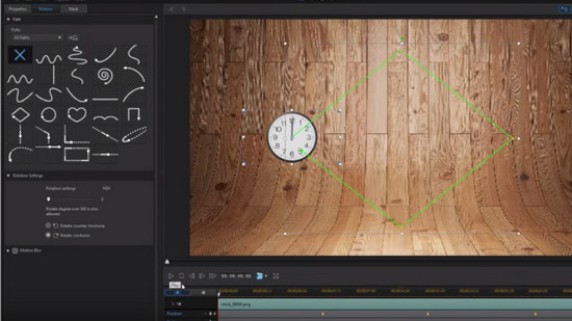
Add a Shape to Follow a Moving Object with Motion Tracking
365 dan Versi 18+Video, 3 menit -
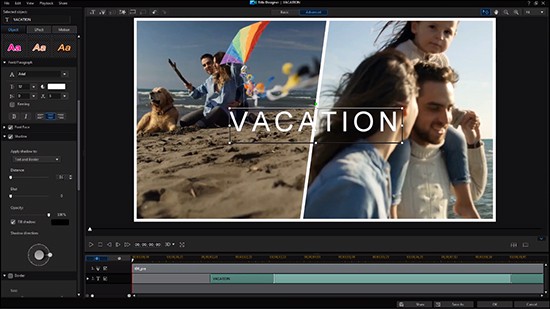
Titles & Title Animation - A Crash Course
365 dan Versi 18+Video, 3 menit -
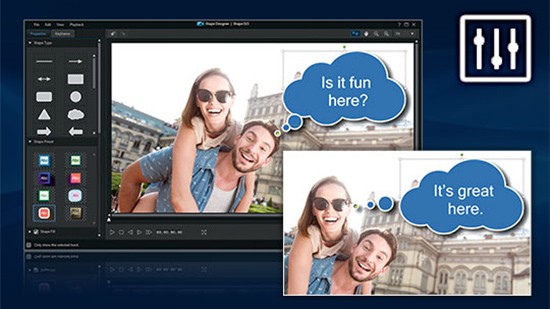
Create Customizable Text with Shape Designer
365 dan Versi 18+Video, 3 menit -
Making a Slideshow with Video Templates
365 dan Versi 19+Video, 2 menit -
Create Stunning YouTube Intro Videos using Motion Titles
365 dan Versi 17+Video, 1 menit -
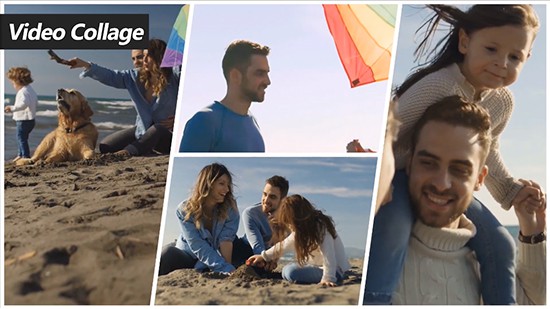
An Essential Guide to Creating a Video Collage
365 dan Versi 17+Video, 2 menit -
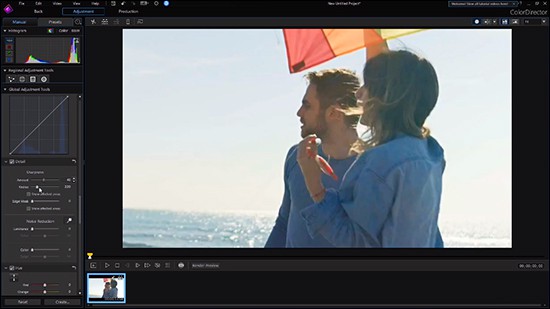
How to Use ColorDirector for Advanced Color Grading
365 dan Versi 17+Video, 1 menit -
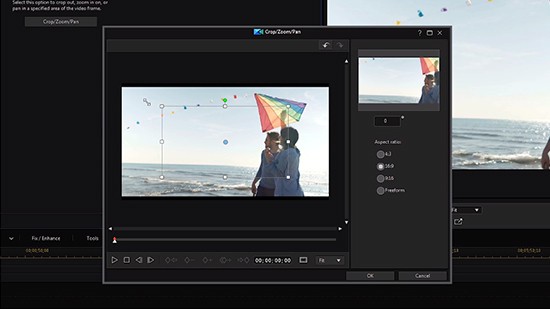
How to Stabilize Video Footage and Use the Crop, Zoom & Pan Tools
365 dan Versi 17+Video, 2 menit -
Video Effects in 2 Minutes
365 dan Versi 2024+Video, 2 menit -
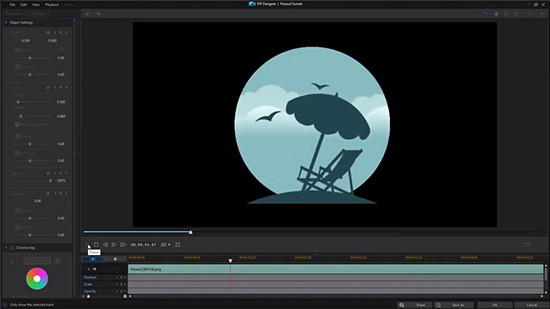
How to use the PiP Designer
365 dan Versi 17+Video, 2 menit -
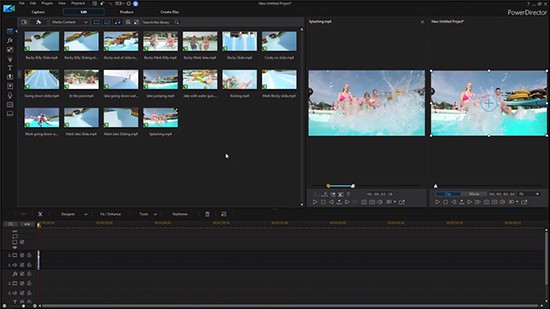
Using the Library Preview to Select Clips
365 dan Versi 17+Video, 2 menit -
Chroma Key & Green Screen in 40 Seconds
365 dan Versi 2024+Video, 1 menit -
How to Use Express Projects to Easily Create YouTube Videos
365 dan Versi 17+Video, 2 menit -
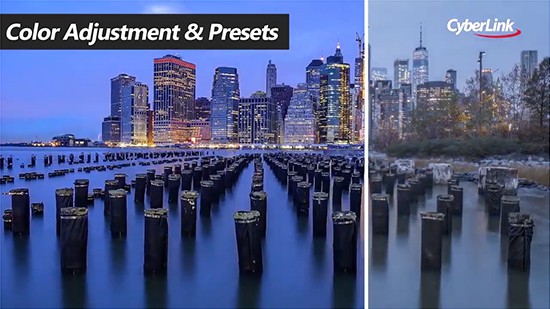
Enhance Footage with LUT Presets & the Color Adjustment Tool
365 dan Versi 17+Video, 2 menit -
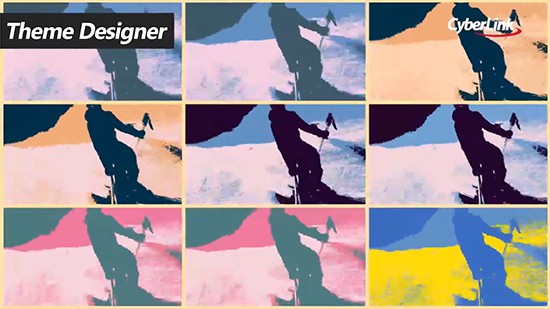
Using the Theme Designer to Create Stunning Videos
365 dan Versi 17+Video, 2 menit -
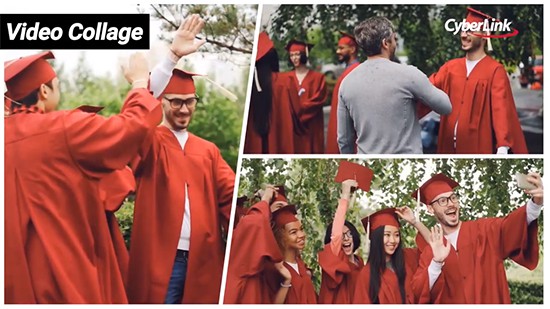
Create a Stunning Video Collage with the Collage Designer
365 dan Versi 17+Video, 2 menit -
Stabilize Shaky Footage with the Control Slider
365 dan Versi 17+Video, 1 menit -
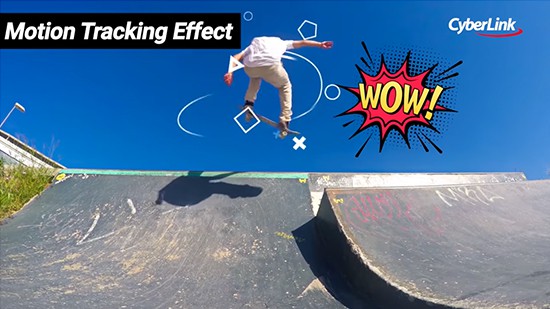
Add a Title or PiP to Follow a Moving Object with Motion Tracking
365 dan Versi 17+Video, 2 menit -
How to Add a Freeze Frame to Your Video
365 dan Versi 17+Video, 2 menit -
How to Create Slow Motion Videos
365 dan Versi 17+Video, 1 menit -
Using the Motion Tracker for Editing
365 dan Versi 17+Video, 5 menit -
Creating a Video with Nested Projects
365 dan Versi 17+Video, 2 menit -
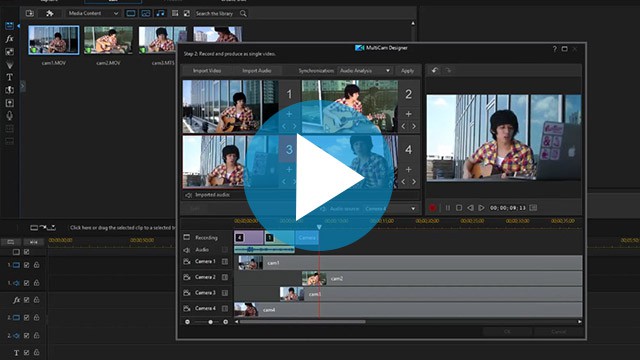
Multi-Camera Video Editing with the MultiCam Designer
365 dan Versi 17+Video, 2 menit -
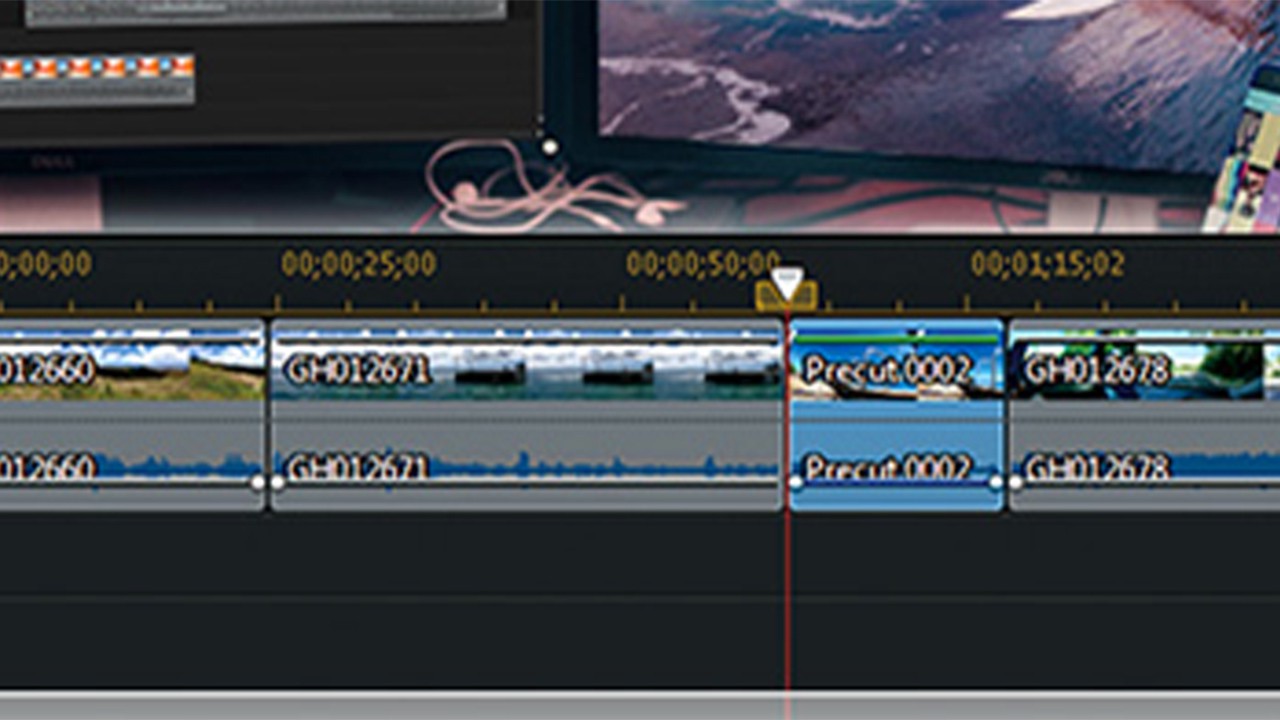
Using Pre-Cuts for Productive Video Editing
365 dan Versi 17+Video, 2 menit -
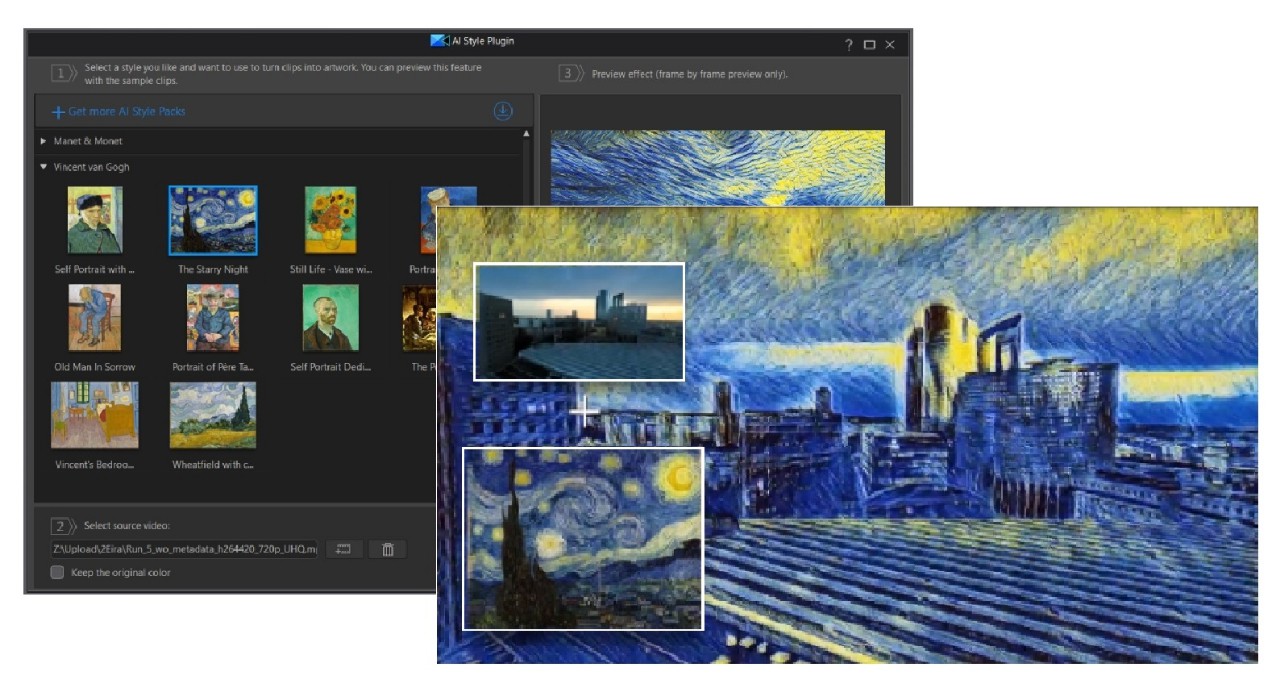
Create Artistic Style Videos using the AI Style Plugin
365 dan Versi 17+Video, 2 menit -
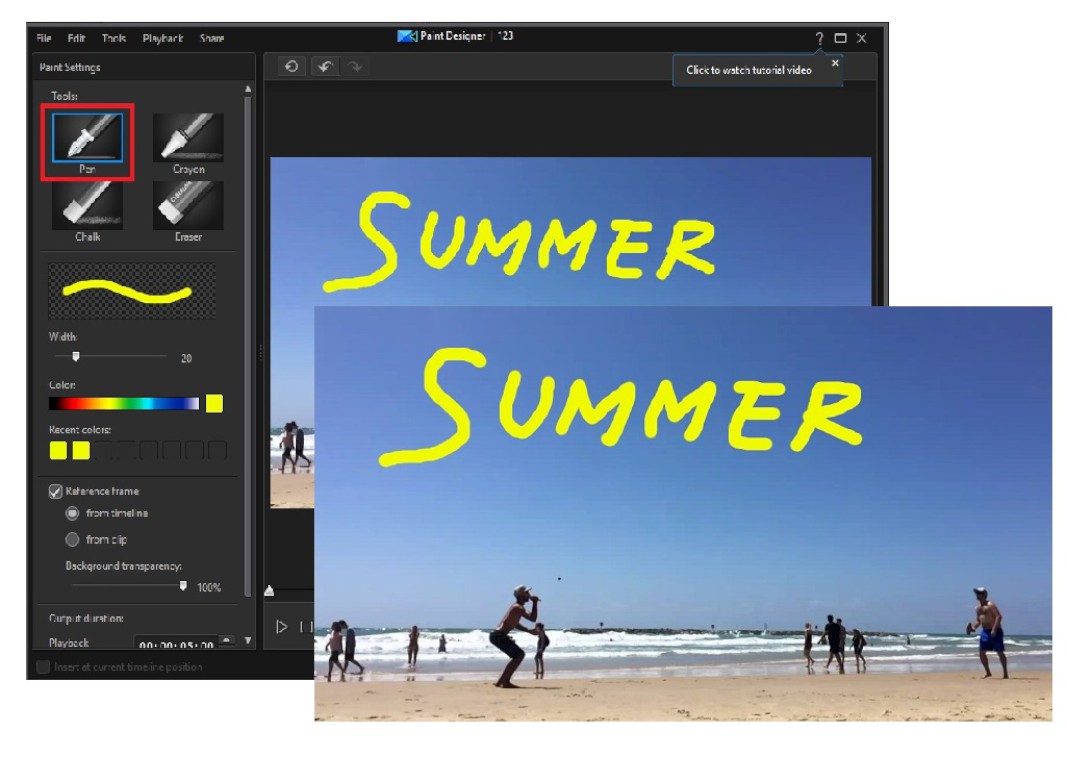
Create Hand-drawn Animated Objects with Paint Designer
365 dan Versi 17+Artikel, 2 menit -
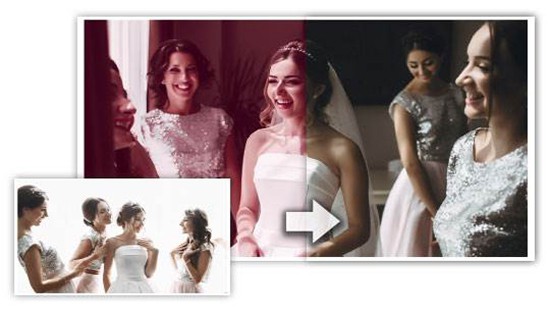
How to use Color Match and LUTs for Smart Color Correction
365 dan Versi 16+Video, 4 menit -
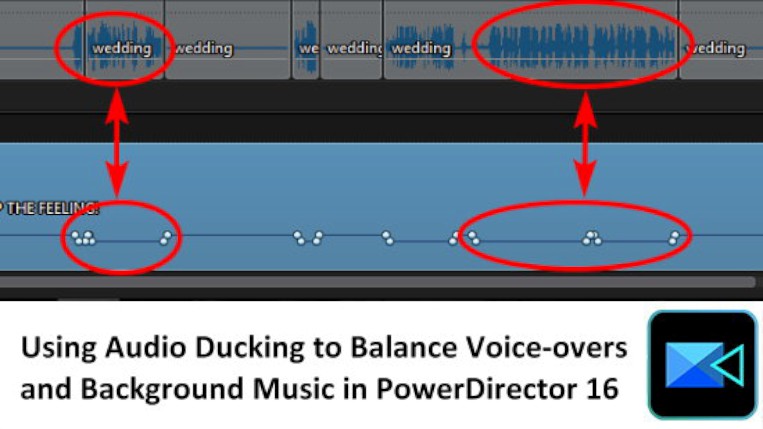
Using Audio Ducking to Balance Voice-overs and Background Music
365 dan Versi 16+Artikel, 2 menit -
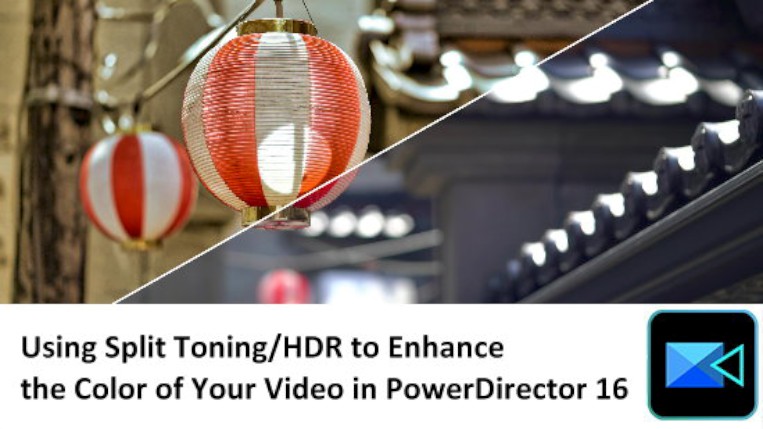
Using Split Toning and HDR to Enhance the Color of your Video
365 dan Versi 16+Artikel, 2 menit -
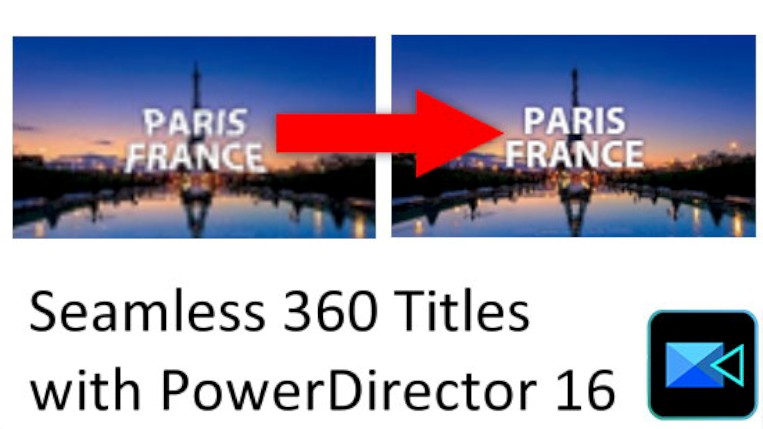
Adding Titles to 360 Footage
365 dan Versi 16+Artikel, 2 menit -
How to use Motion Tracking with 360 Video Editing
365 dan Versi 17+Artikel, 2 menit -
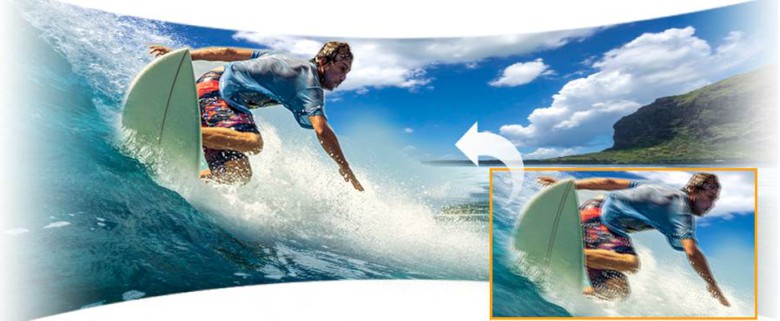
Use Video Stabilization to fix Shaky Footage and Change the Starting View Angle for 360 Videos
365 dan Versi 17+Artikel, 3 menit -
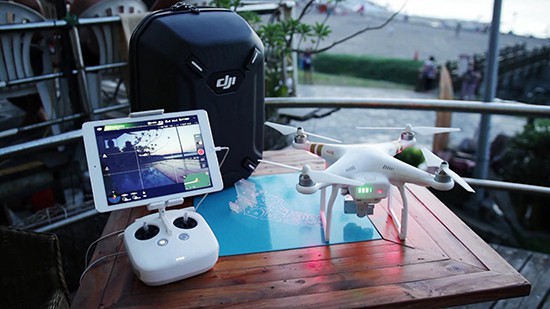
How to Fix Drone Footage for Perfect Aerial Videos
365 dan Versi 15+Video, 4 menit -
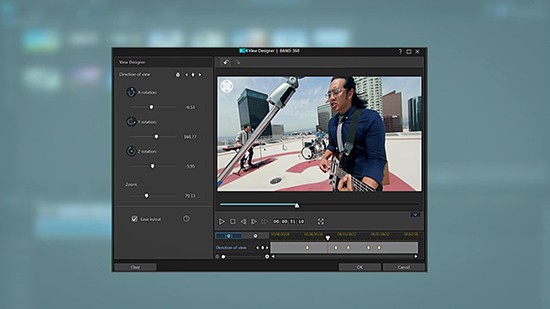
Using True360 View Designer to Edit 360 Videos
365 dan Versi 15+Video, 4 menit -
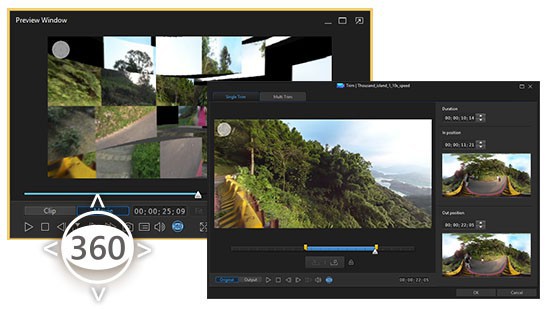
Import, Edit & Produce 360 Video
365 dan Versi 15+Video, 4 menit -
How to use the Blending Effect
365 dan Versi 15+Artikel, 3 menit -
How to Create Masks with the Mask Designer
365 dan Versi 17+Artikel, 2 menit -
How to Produce and Share Your 360 Video
365 dan Versi 15+Artikel, 3 menit -
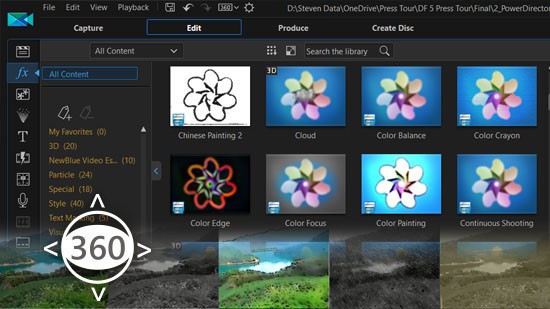
How to Add Effects to 360 Videos
365 dan Versi 15+Artikel, 1 menit -
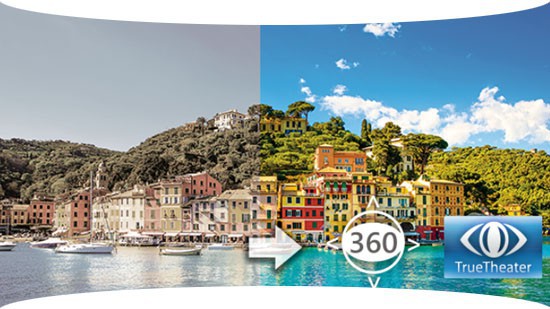
Enhance your 360 Video Footage with TrueTheater
365 dan Versi 15+Artikel, 2 menit -
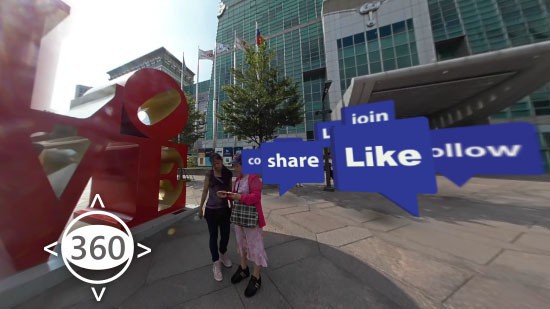
Adding Picture in Picture (PiP) to 360 Videos
365 dan Versi 15+Artikel, 2 menit -
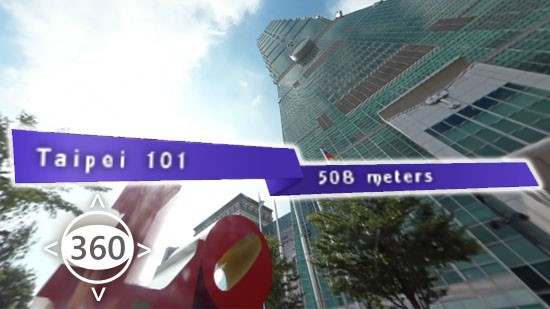
Creating Titles for 360 Videos
365 dan Versi 15+Artikel, 2 menit -
Basic Editing Techniques for 360 Footage
365 dan Versi 15+Artikel, 3 menit -
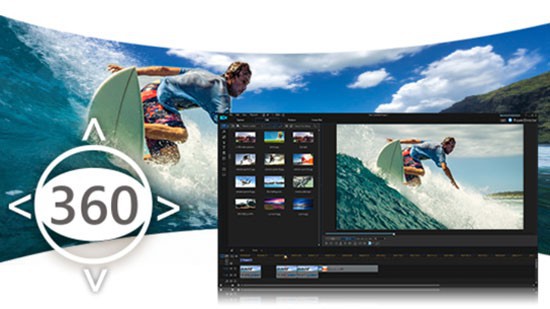
An Essential Guide to Editing 360 Videos
365 dan Versi 15+Artikel, 2 menit -
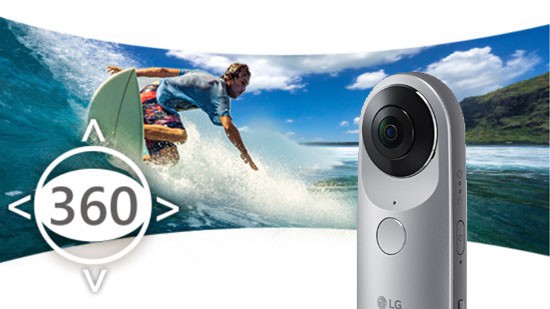
Import 360 Video from an LG 360 Camera
365 dan Versi 15+Artikel, 1 menit -
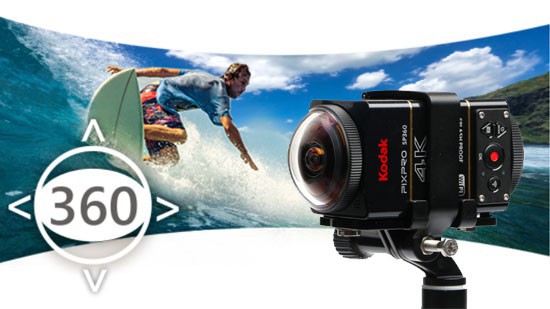
Import 360 Video from a Kodak SP360 4K
365 dan Versi 15+Artikel, 2 menit -
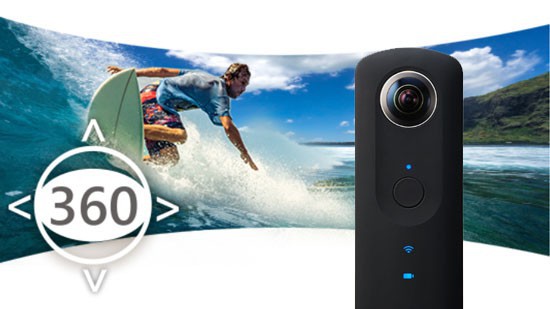
Import 360 Video from a Ricoh Theta S/Theta M15
365 dan Versi 15+Artikel, 1 menit -
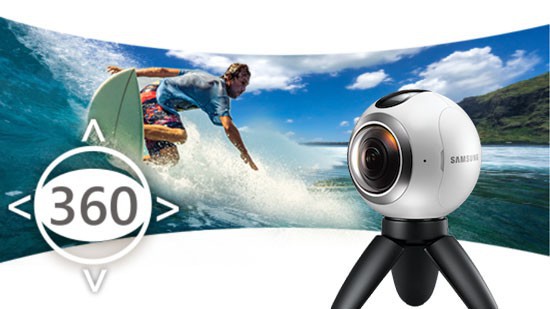
Import 360 Video from a Samsung Gear 360
365 dan Versi 15+Artikel, 3 menit -
Getting Started with 360 Video Editing
365 dan Versi 15+Artikel, 2 menit -
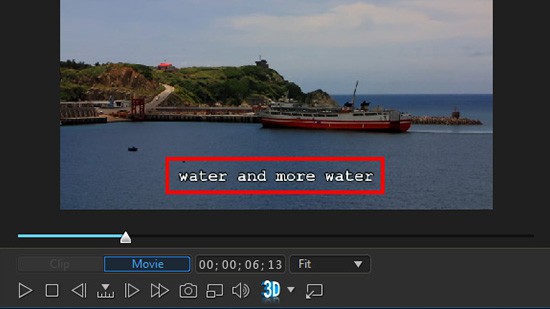
Adding Captions and Subtitles to Your Video
365 dan Versi 14+Video, 9 menit -
How to use the Zoom and Crop Tools
365 dan Versi 14+Video, 8 menit -
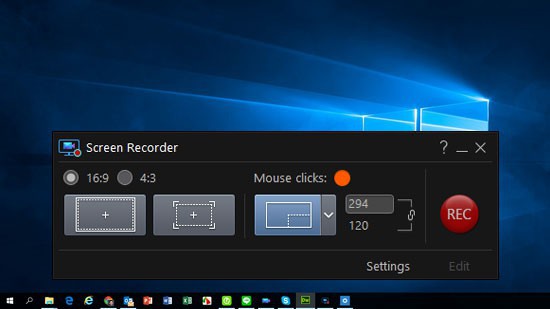
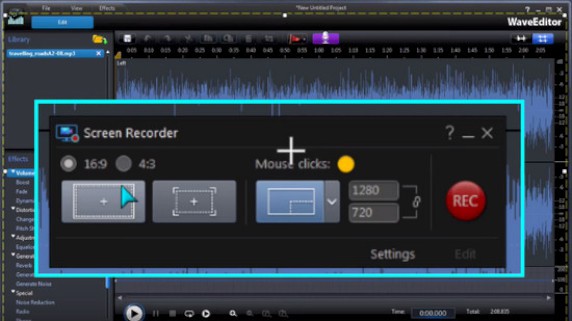
Using the Screen Recorder for Screen Capture
365 dan Versi 14+Artikel, 2 menit -
Recording your PC Screen with Screen Recorder
365 dan Versi 14+Video, 5 menit -
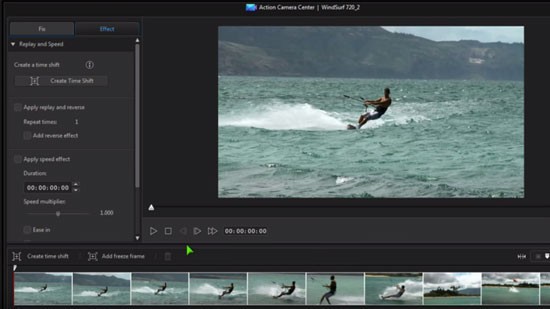
Using the Action Camera Center to Create Sports Videos
365 dan Versi 14+Video, 6 menit -
Add Dynamic Motion to Objects using the Keyframe Tool
365 dan Versi 14+Video, 8 menit -
How to Edit a Music Video with the MultiCam Designer
365 dan Versi 13+Artikel, 10 menit -
Create a 3D Animated Video Intro with NewBlue Plugins
365 dan Versi 13+Artikel, 5 menit -
Create a Time-lapse Video
365 dan Versi 13+Artikel, 4 menit -
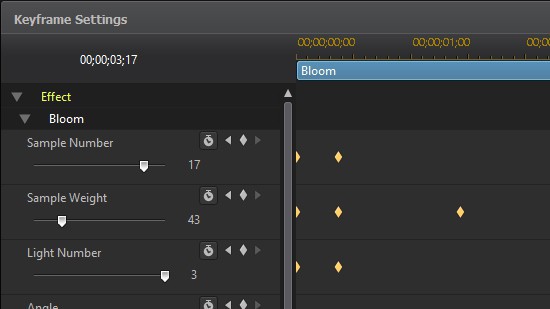
Using Keyframes to Enhance Effects on your Videos
365 dan Versi 13+Artikel, 2 menit -
Adding, Exporting and Importing Subtitles in the Subtitle Room
365 dan Versi 13+Artikel, 4 menit -
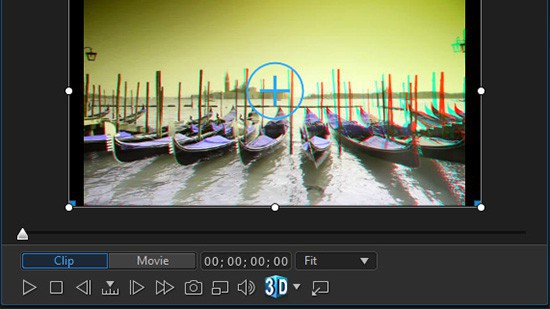
Editing 3D Clips and Converting 2D videos to 3D
365 dan Versi 13+Artikel, 2 menit -
Create Holywood-Style Color Grading with ColorDirector
365 dan Versi 15+Artikel, 3 menit -
Create DVD Menus and Author Discs
365 dan Versi 13+Video, 13 menit -
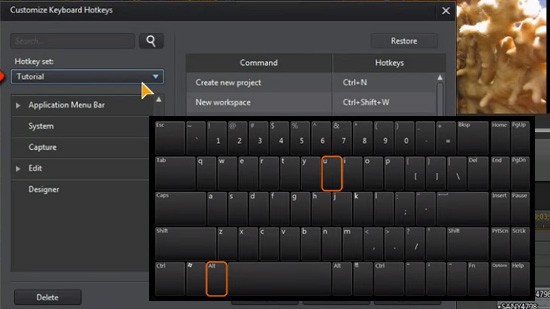
How to Assign and Use HotKeys for Quick Editing
365 dan Versi 13+Video, 7 menit -
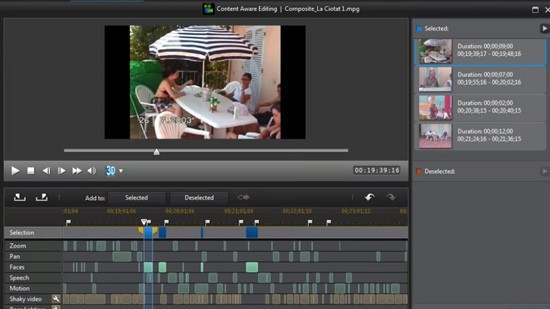
Use Content-Aware Editing to Analyze Lengthy Video Footage
365 dan Versi 13+Video, 6 menit -
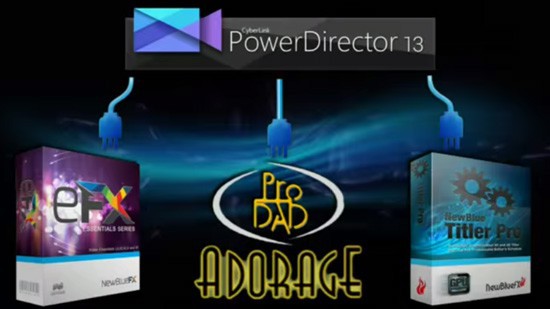
How to Use 3rd Party Plugins to Create Stunning Visuals
365 dan Versi 13+Video, 8 menit -
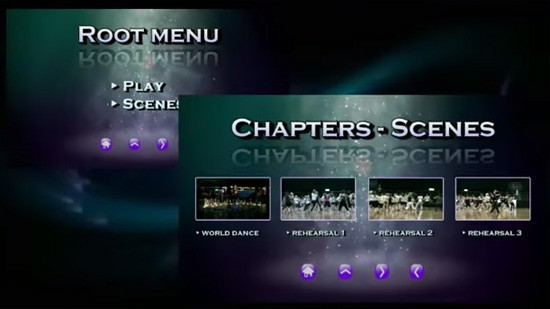
Design and Customize your own Disc Menus with Menu Designer
365 dan Versi 13+Video, 7 menit -
Fix Shaky Video and Add a Slow Motion Effect
365 dan Versi 13+Video, 4 menit -
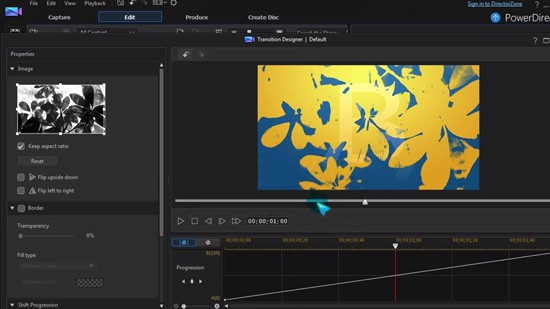
Add Customized Transition Effects with Transition Designer
365 dan Versi 13+Video, 5 menit
Tutorial: PowerDirector

PowerDirector